Case study
Building a generative AI query assistant
Leveraging research, rapid prototyping, and UX design to test and launch a query assistant for an analytics application.
- Company
- AWS · OpenSearch
- Role
- Product Designer
- Timeline
- 1 month
- Year
- 2024
What I owned
- Led conceptualization, UX & launch
- Ran the three-hypothesis test program
- Partnered with eng on coded POCs
Outcomes
- 65% faster query generation compared to manual typing
- Contextualized documentation surfaced addressing the top community pain points
- Rapid POC tested and validated within one month
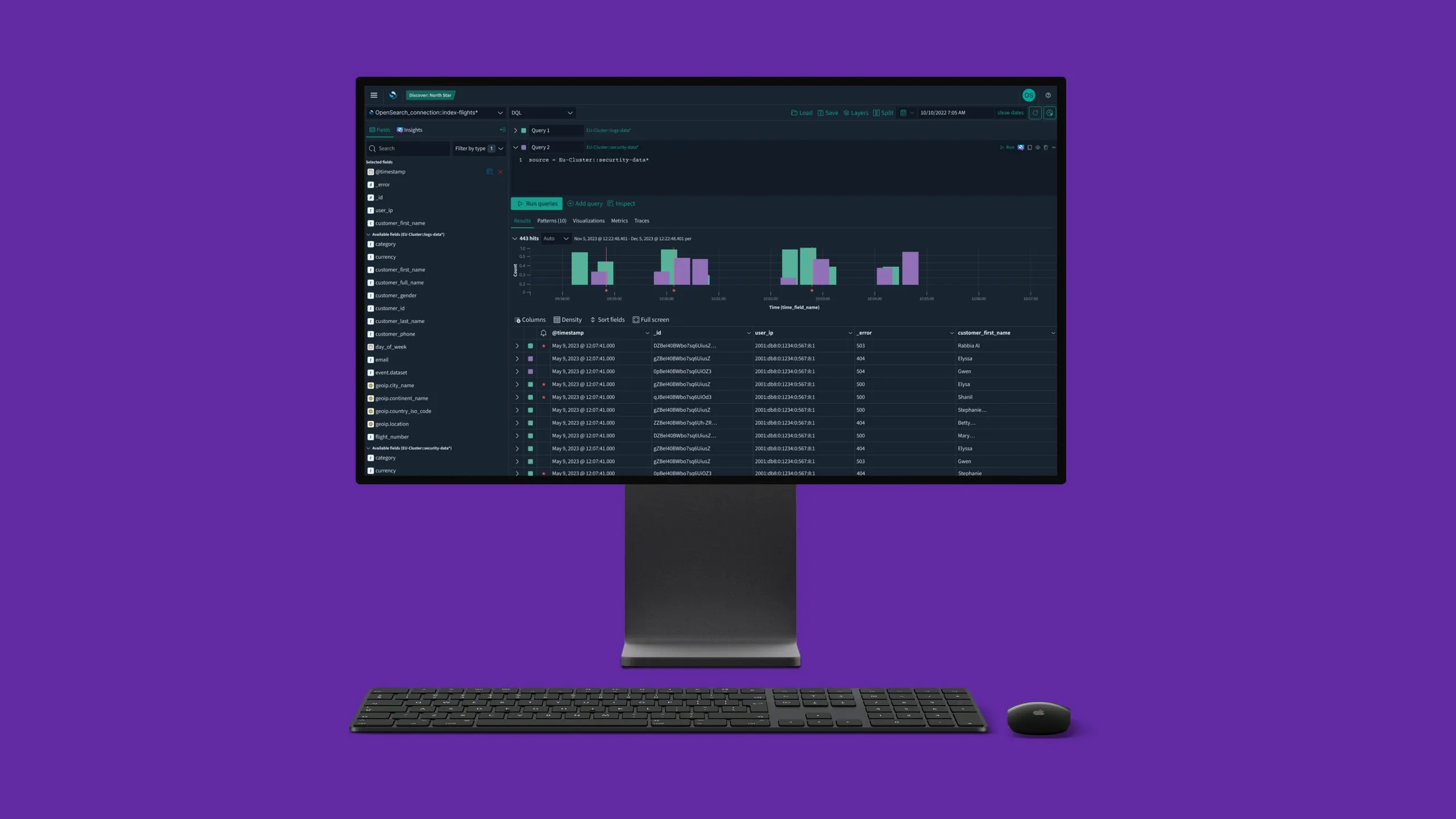
A primary workflow in OpenSearch Dashboards involves querying large datasets to understand when mission-critical software has failed. The process is complex, time-consuming, and requires analysts to sift through large result sets to surface insight. I was asked to explore how generative AI could make this faster. The answer that held up wasn’t AI that replaces the analyst — it was AI that levels the analyst up, generating queries 65% faster while keeping the query language in their hands.
The cost of slow queries
DevOps engineers rely on complex queries to diagnose system failures. Writing those queries is slow and error-prone, and not every engineer is fluent in the query languages OpenSearch supports. Delays at this step have real consequences: financial loss, security risk, and extended downtime for users.
One month, three bets
How might we help DevOps engineers write queries faster?
In one month, I led conceptualization, UX definition, and launch of a focused query assistant. Rather than shipping one large bet, we tested three distinct hypotheses through rapid prototyping and user validation, with engineering shipping coded POCs for each.
What each test revealed
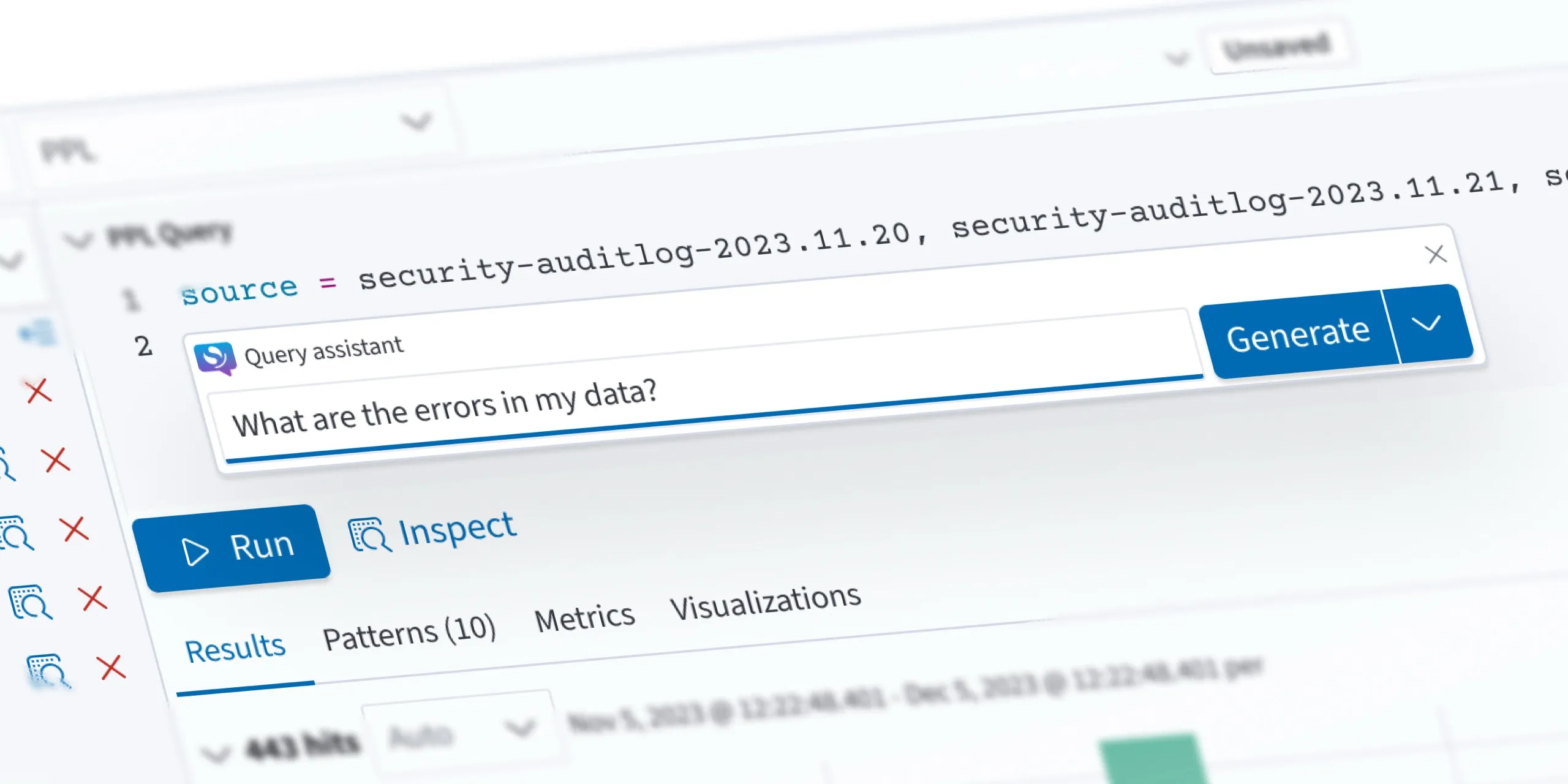
1. Query in natural language
Hypothesis: users will query data faster using English instead of a query language.
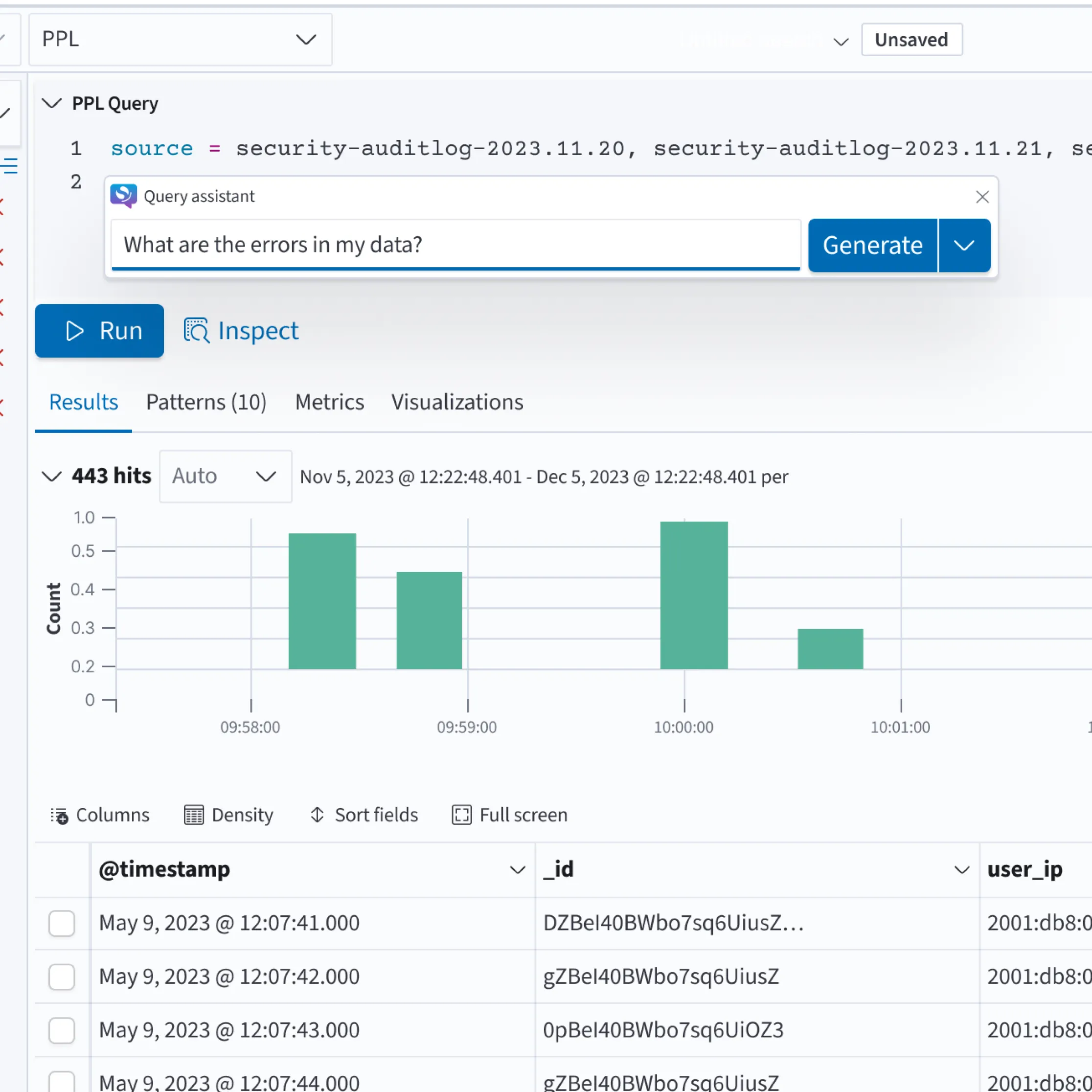
Insight: novice and power users generated needle-in-a-haystack queries faster with natural language. But iteration and modification were actually faster in a query language. We pivoted to an assistant that supports query generation when needed, with the query language remaining the primary medium.
2. Diagnose query errors in context
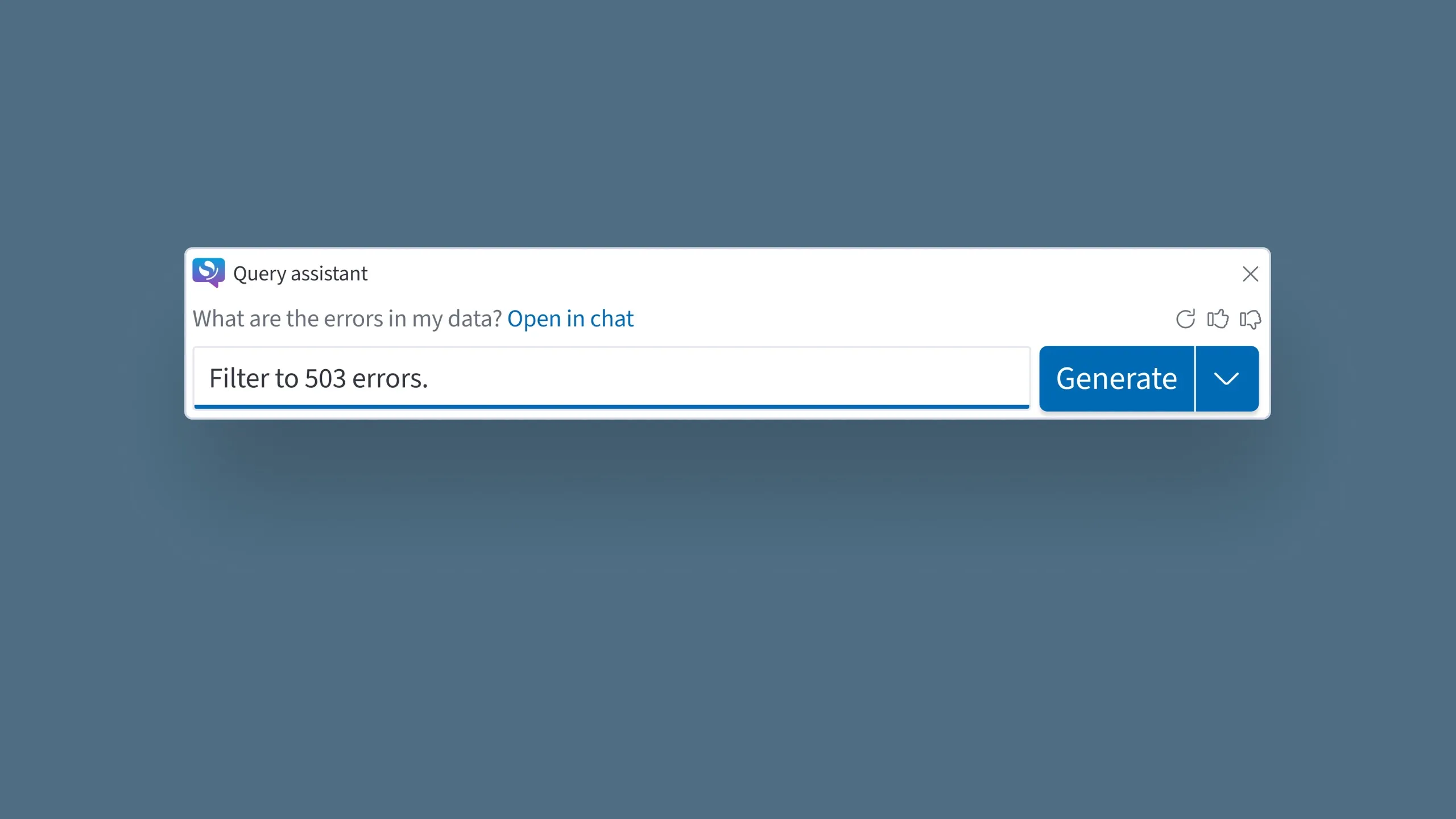
Hypothesis: a query assistant can help users resolve common errors quickly.
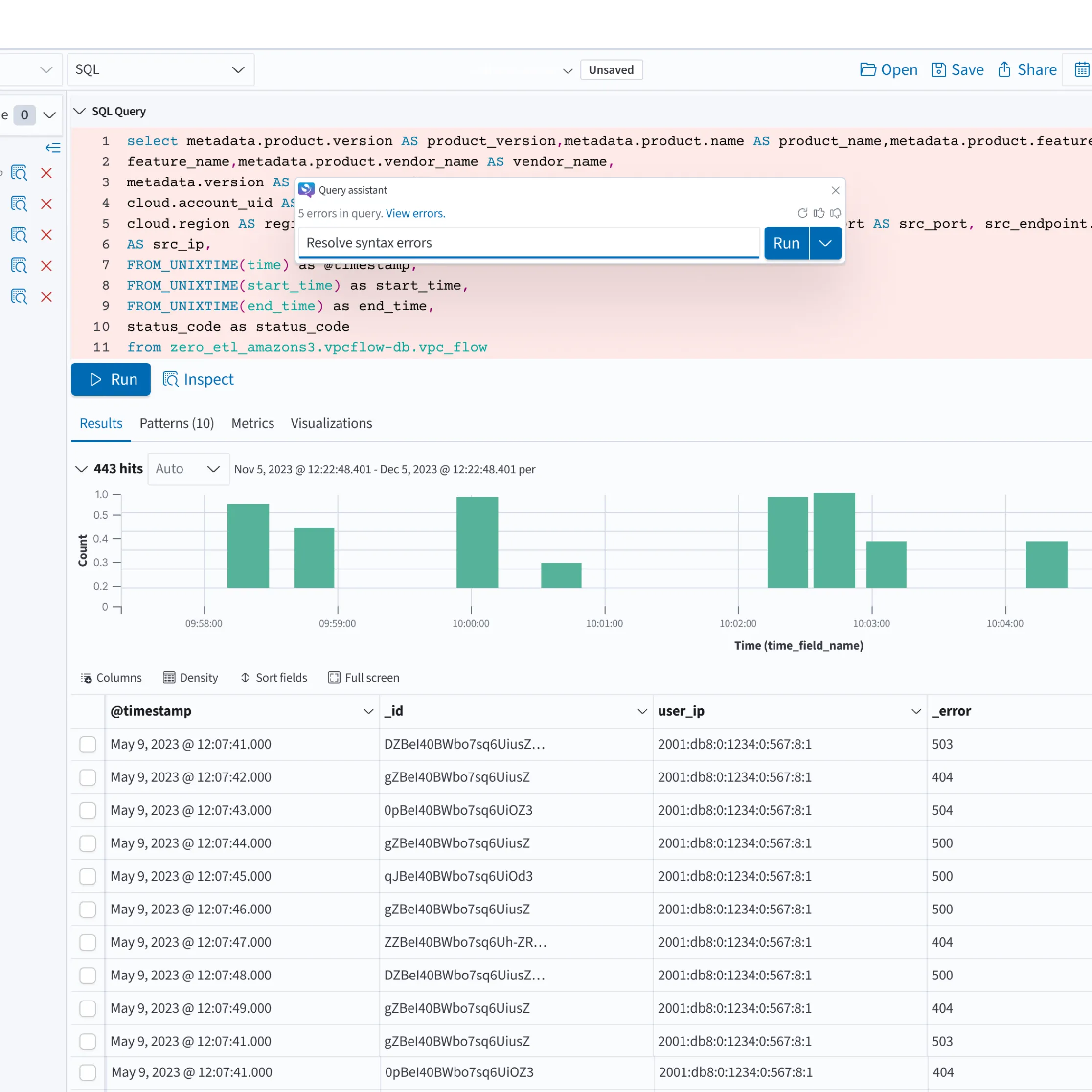
Validated as highly valuable, particularly for engineers who aren’t query language experts. Shipped as a core feature of the assistant.
3. Contextual query language documentation
Hypothesis: hyper-contextualized documentation will help users learn and write more efficient queries.
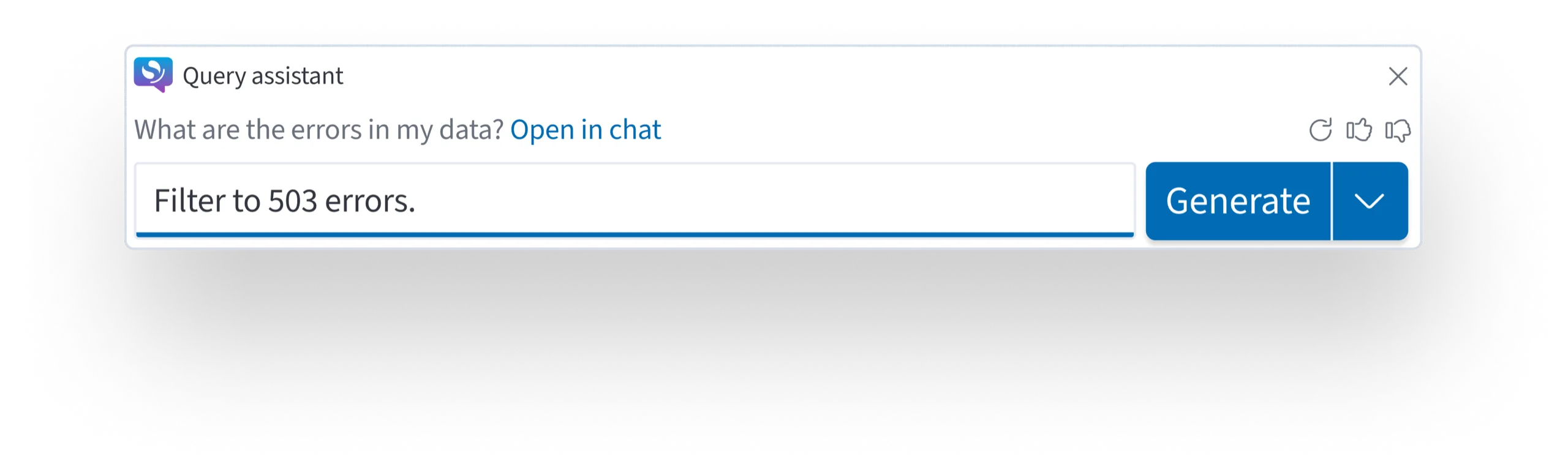
Users found learning parameters in-context difficult. Instead, we surfaced documentation addressing the top community pain points: not teaching the language inline, but answering the questions people were already searching for.
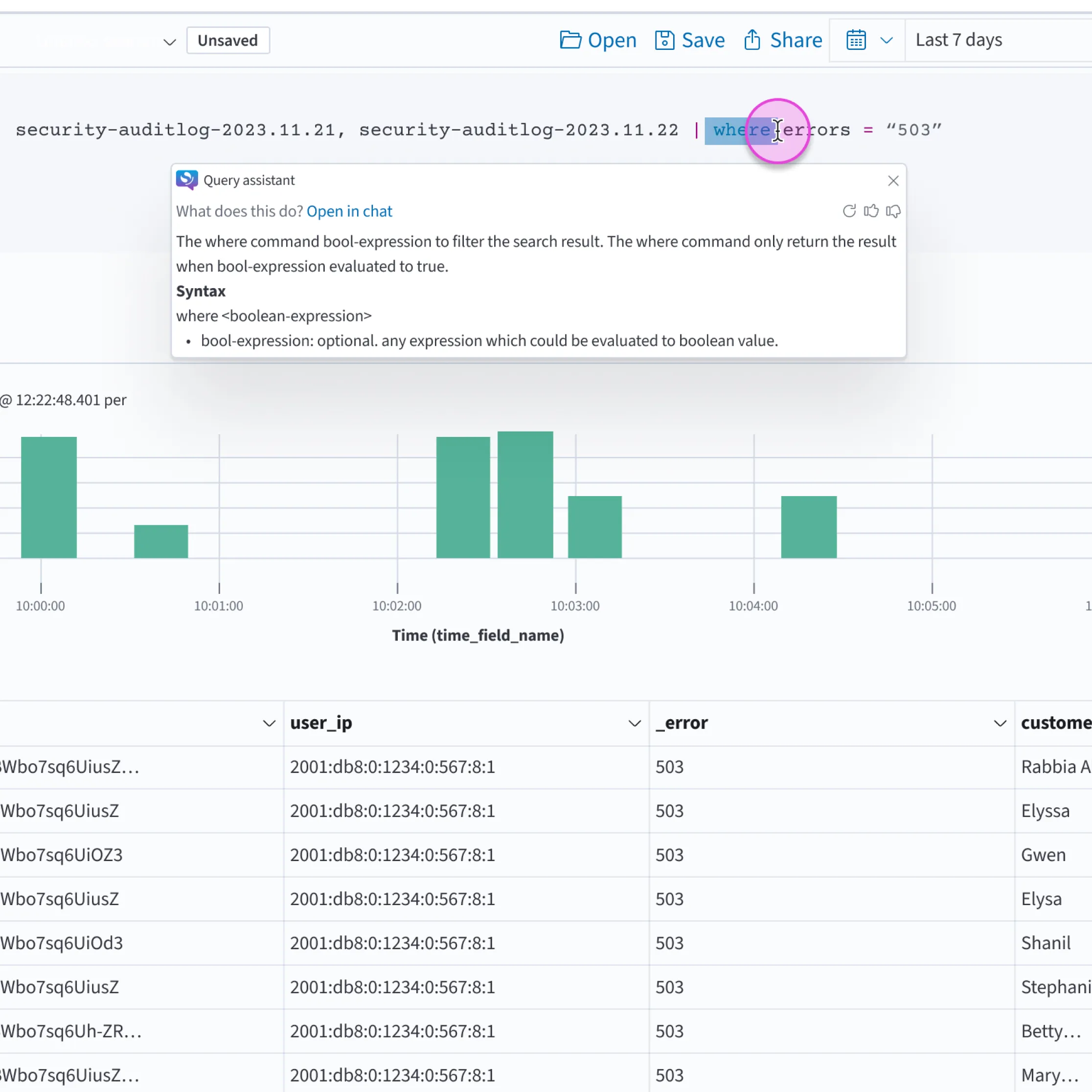
The assembled flow
The assistant sits alongside the query editor, not in front of it. Users can invoke it to generate a starting query, diagnose an error, or pull up relevant documentation. The query language stays in control.
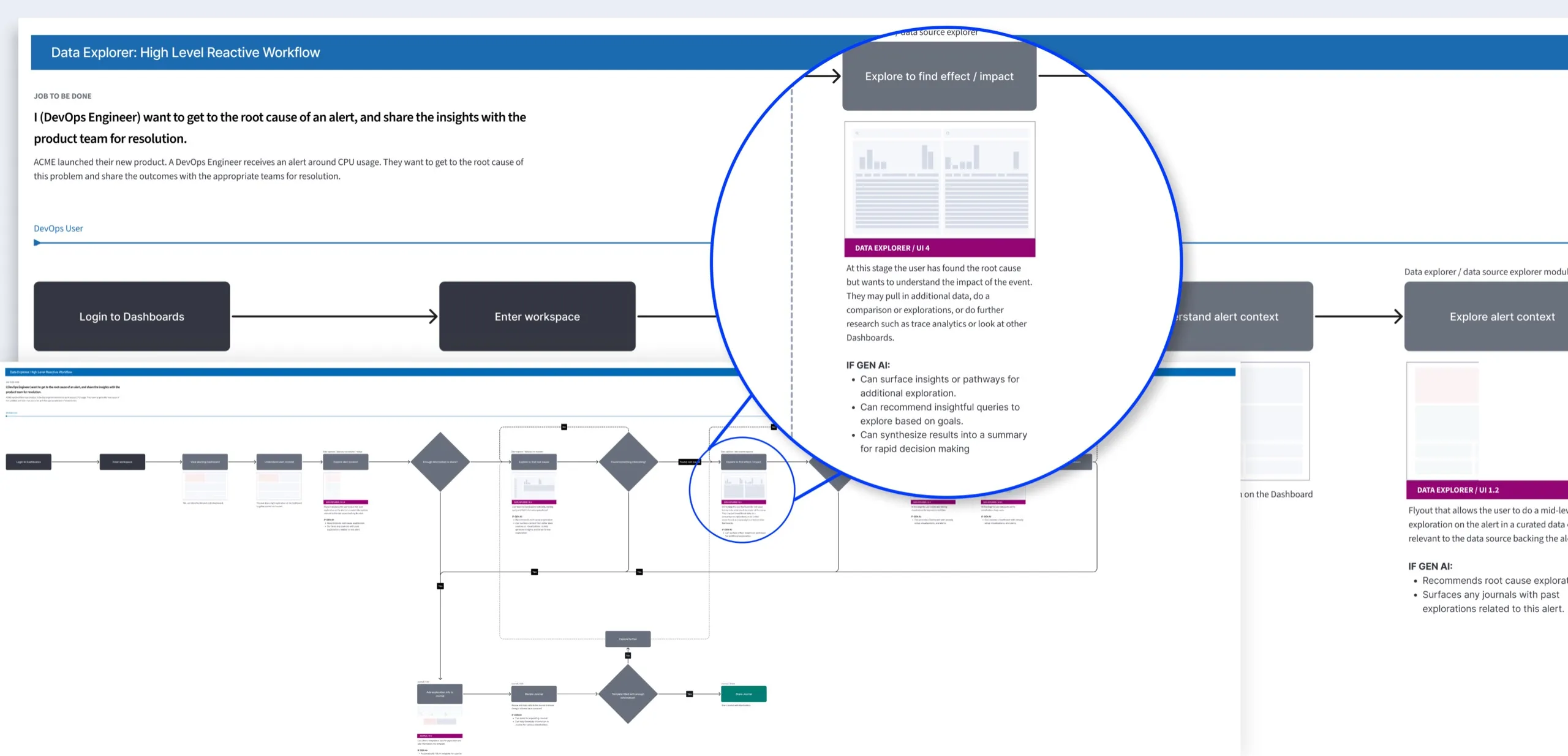
Outcome
- For the business: a focused AI feature, built for a real use case and validated in one month, instead of a generic “ship AI” bet.
- For customers: queries generated 65% faster, with error help in context for engineers who aren’t query experts.
- For the team: a rapid prototyping model that tested three bets, plus contextual docs aimed at the community’s top pain points.
The research let us say no to things. We could have shipped a generic chat interface and called it AI. Instead we knew exactly where the leverage was — and where it wasn’t.